FREE
$0forever
- 5 recorded calls a day
- Unlimited clients
- Summaries, action items, profiles and briefs
- Ask Kepful: up to 50 questions a day
- All exports
- Your history, kept forever
Launch limits. These may change when Pro launches.

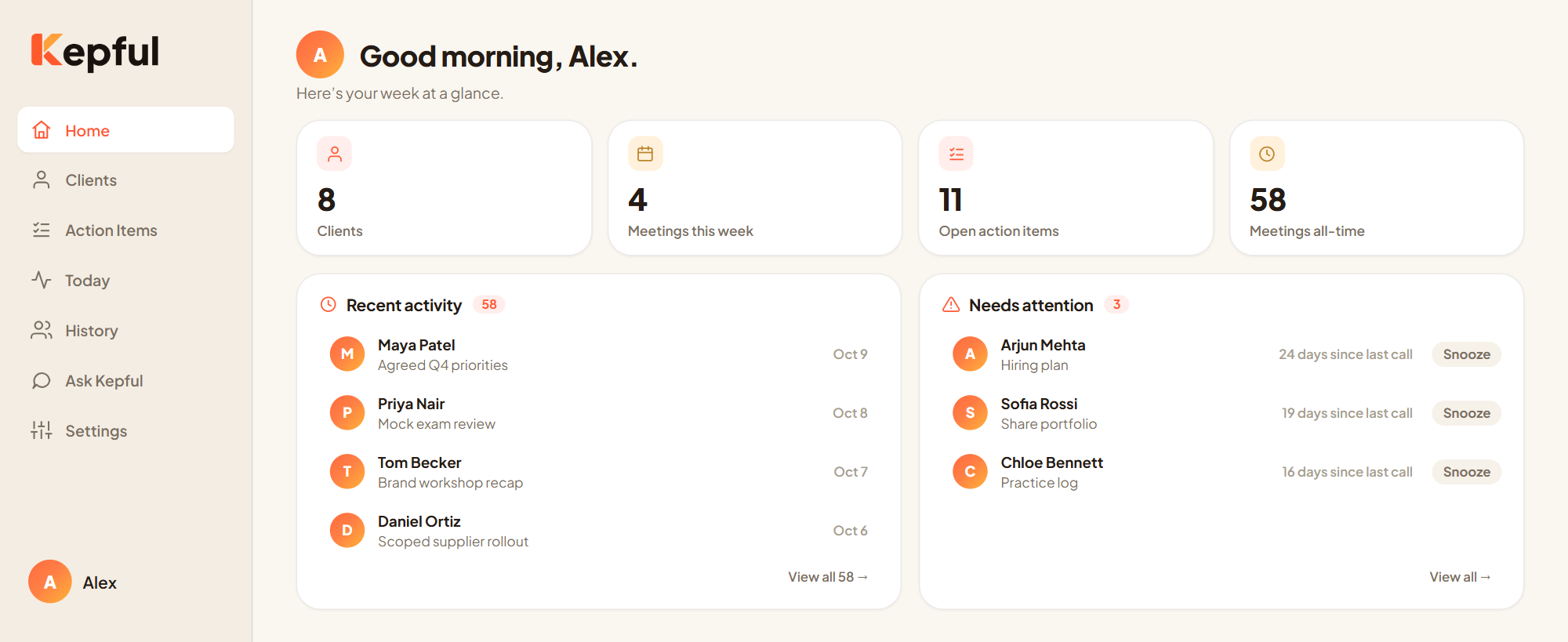
Kepful turns your client calls into summaries, action items and a living profile for every client, so you start each call knowing exactly where you left off.
For coaches, consultants, freelancers and tutors.

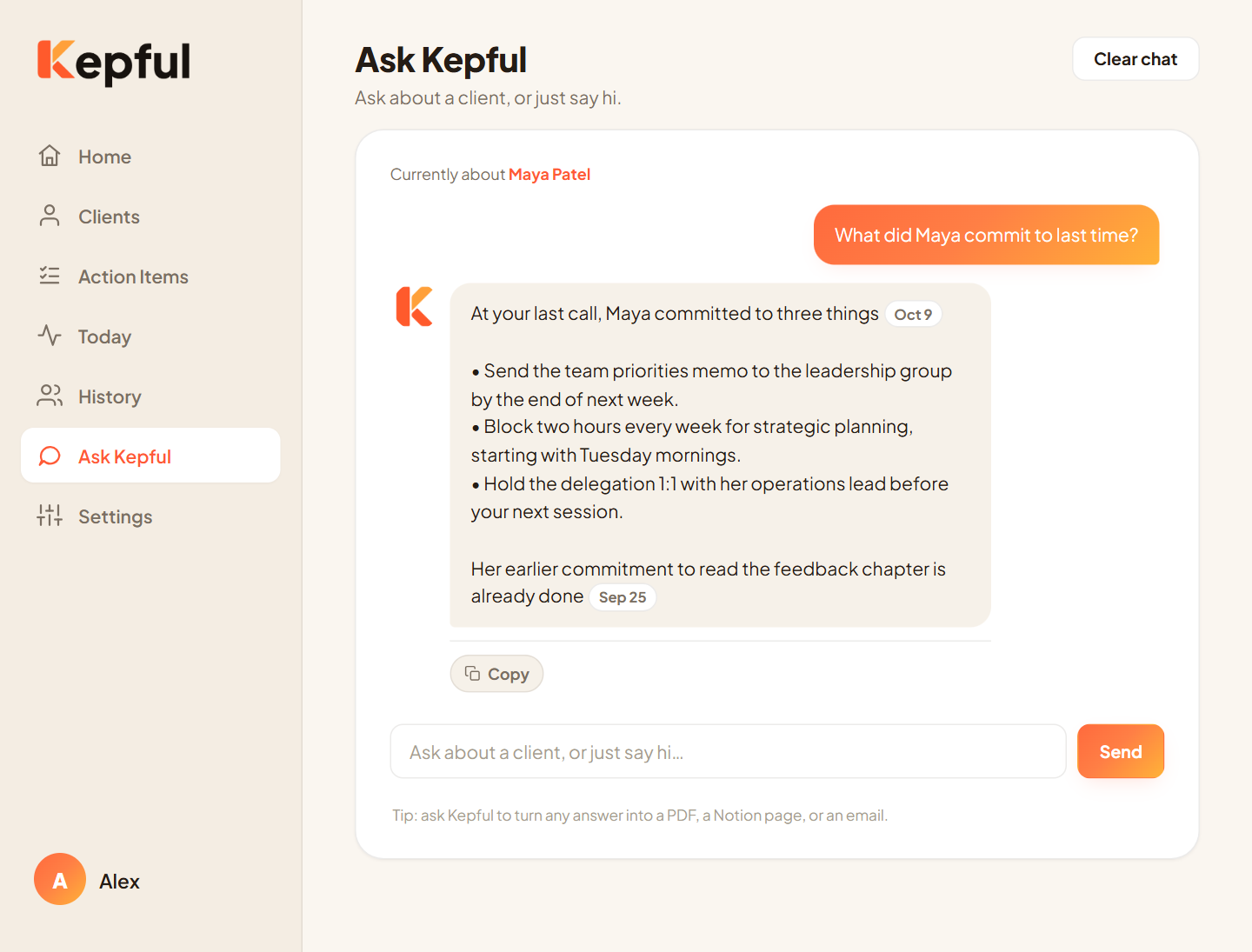
Ask about any client or any call. Every answer shows the meeting it came from.
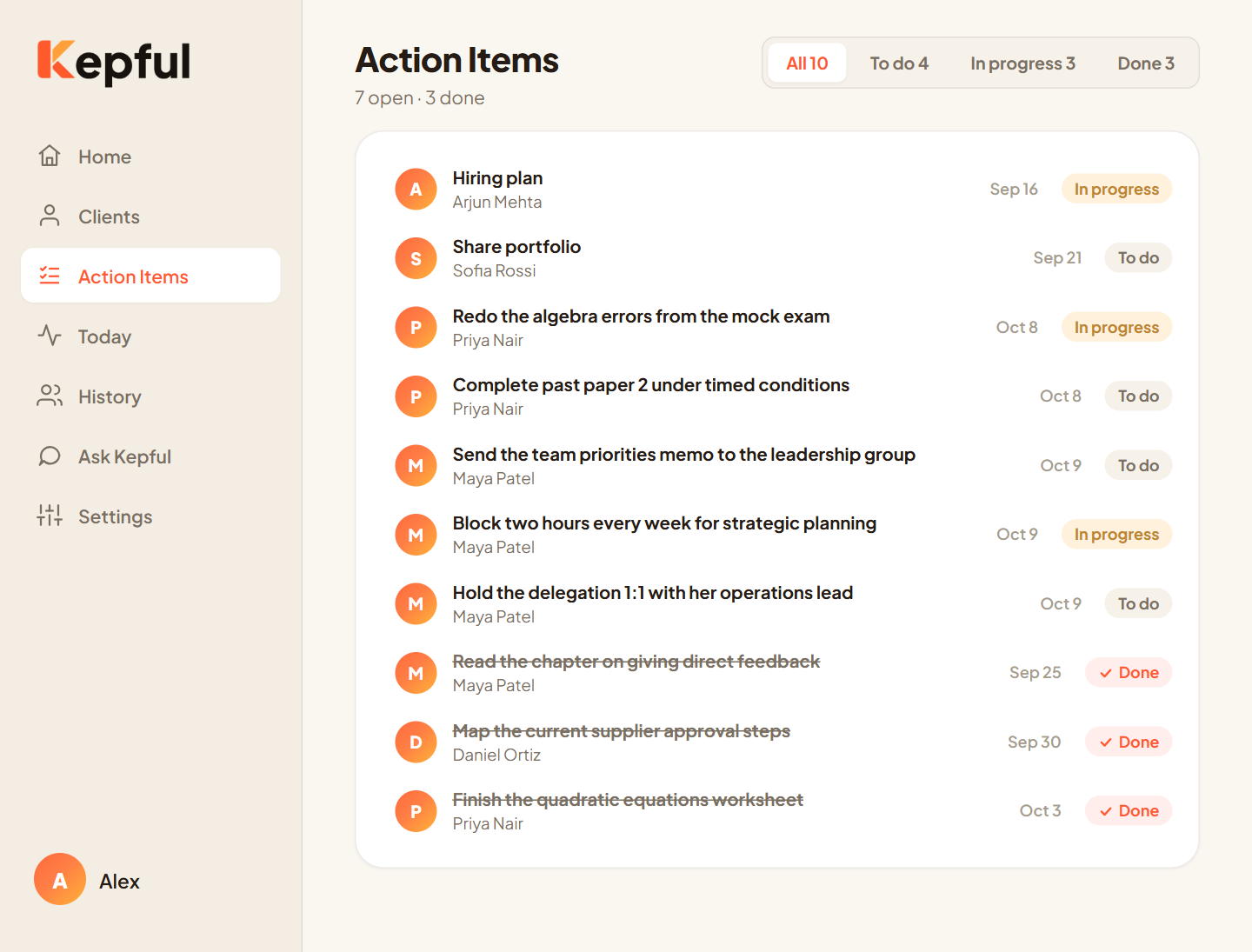
Every action item from every call, tracked from To do to Done.
Before every call you dig through notes, emails and half-remembered promises. Something always slips: a follow-up, a goal they mentioned, the thing you said you would send. Your clients notice.
With Kepful, every client feels like your only client.
Open Kepful from your toolbar and choose who you are meeting.
Kepful records the audio of the call tab you choose. No bot joins, nobody gets an invite.
A summary, action items and an updated client profile appear on their own. Before your next call, Kepful gives you a short brief.
Walk in remembering what happened last time and what to bring up.
Goals, blockers, wins and follow-ups, kept current after every call.
To do, in progress, done. Nothing falls through the cracks.
Ask about any client or any call. Answers show the meeting they came from.
Copy, PDF, Notion, or a Gmail draft that you review and send yourself.
Your clients trust you with what they say. Kepful is designed to keep that trust.
Nothing joins your call and nobody receives an invite.
Kepful records only the tab you pick, and only after you press record.
Kepful only prepares drafts. You decide what gets sent.
Your data is never sold or used for advertising, and our team does not read it unless you ask for support.
Remove a client and their meetings, tasks and profile go with them.
Please make sure everyone on a call has agreed to be recorded. Read our Privacy Policy
Launch limits. These may change when Pro launches.
Founding member price: $9 USD a month, locked for life, for the first 100 people on the Pro waitlist.
Prices in USD. Taxes may apply depending on your location.
No. Kepful records the audio of the browser tab you choose, directly in Chrome. Nothing joins the call and no one receives an invite.
Any call that runs in a Chrome tab, such as Google Meet, Zoom or Microsoft Teams in the browser. If a call happened in a desktop app, you can upload the recording instead.
Yes. Always ask everyone on the call for permission before recording. Kepful reminds you, and laws on recording differ by place.
Only you. It is stored under your account, never sold, never used for advertising, and our team does not read it unless you ask for support.
Your call always records to the end, but notes and summaries for new calls wait until your daily limit resets at 00:00 UTC (5:30 AM India time). To be safe, download the recording right after you stop, or keep Chrome open and retry after the reset.
Yes, in one click. Your notes and history stay yours, on any plan.
Never. It can prepare a Gmail draft, but you review it and send it yourself.